
What Is a Tower PC? A Guide to Choosing a Business Desktop
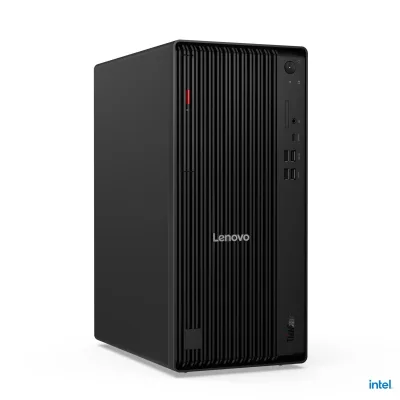
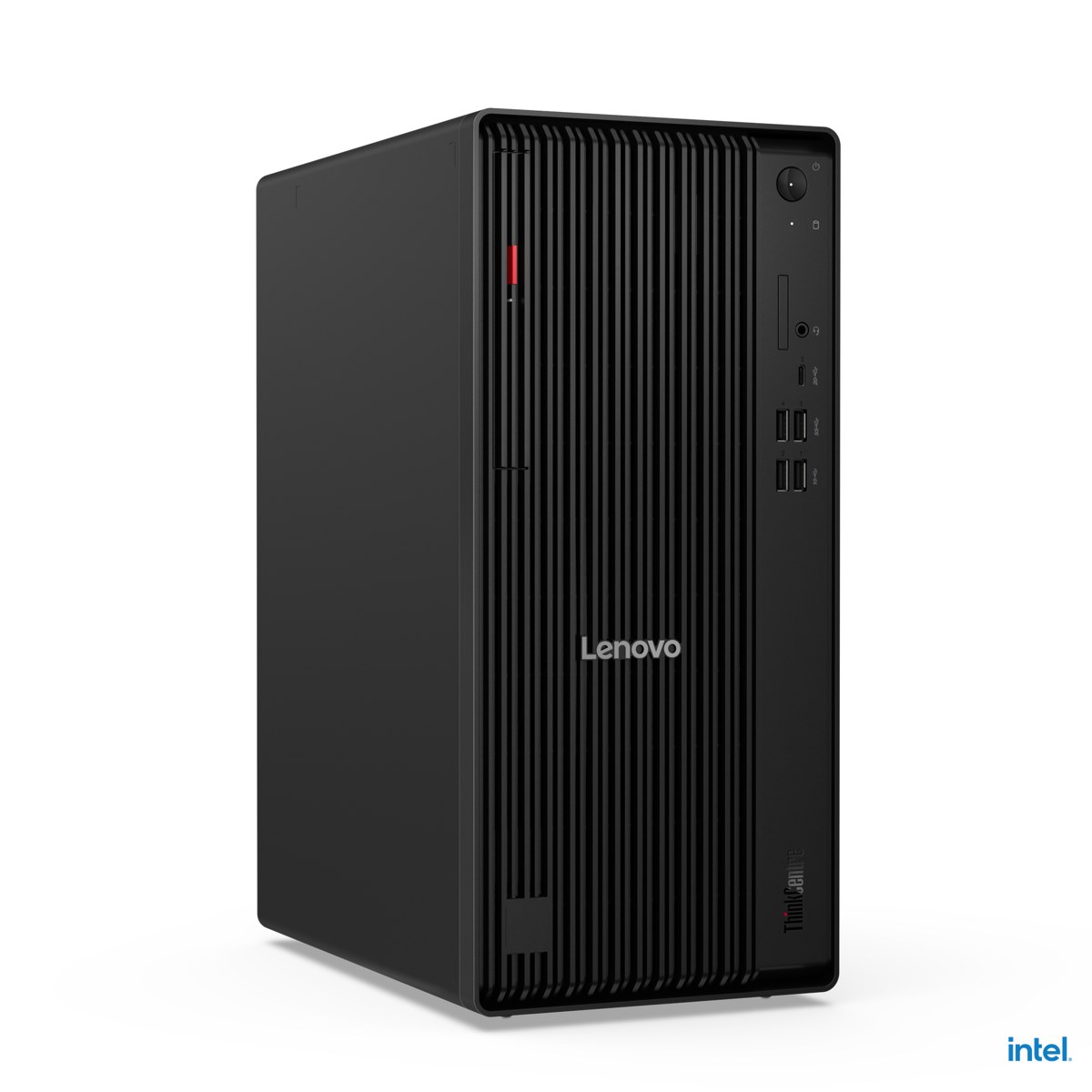
A tower PC is the classic desktop computer whose components sit in an upright case, with a separate monitor, keyboard and mouse. Even as mini PCs and all-in-ones become more common, most businesses still choose tower desktops for their expandability, easy servicing and long life.
Advantages of a tower PC
- Expandability: memory slots, extra SSD and 3.5" bays and PCIe slots let you upgrade as your needs grow.
- Easy servicing: most business towers open without tools, so swapping drives, memory or cards takes minutes.
- Better cooling and quieter operation: a larger case lets desktop processors sustain high performance.
- Multiple monitors: rear DisplayPort and HDMI outputs drive several displays, and you can add a graphics card if needed.
- Long life: business lines such as Dell Pro, HP ProDesk / EliteDesk, Lenovo ThinkCentre and ASUS ExpertCenter are supported with parts and drivers for years.
Tower vs. mini PC vs. all-in-one
A mini PC takes very little space but offers limited expansion. An all-in-one combines screen and computer in one body, ideal for reception desks, but a fault takes the whole unit out of service. A tower PC takes more space but gives the most expansion, the easiest servicing and the widest configuration choice. For heavy design, rendering or AI work, look at workstations instead.
What to look for
Processor
Current business towers commonly use Intel Core Ultra 200S (Series 2) processors with a built-in NPU. Core Ultra 5 suits everyday office work, Core Ultra 7 heavy multitasking and Core Ultra 9 top performance. Choose Intel vPro models if you need central remote management.
Memory
Current models use DDR5. 16 GB suits office use; 32 GB is recommended for accounting/ERP users with many tabs and spreadsheets. Four memory slots make later upgrades easier.
Storage
Always use an M.2 NVMe SSD for the operating system. A 3.5" bay adds archive capacity; multiple M.2 slots and RAID help speed and data safety.
Graphics
Integrated graphics are enough for office work. For several high-resolution monitors or light design work, choose a model with a PCIe x16 slot for a discrete card.
Ports and networking
Look for front USB-C, at least two video outputs and gigabit Ethernet; choose Wi-Fi 6E or Wi-Fi 7 if you need wireless.
Security
TPM 2.0 is required for Windows 11. Business models add self-healing BIOS, intrusion detection, lock slots and vendor security software such as HP Wolf Security.
Featured current tower models
- Dell Pro Tower (QCT1250) and Dell Pro Tower Plus (QBT1250)
- HP ProDesk 4 Tower G1i and HP EliteDesk 8 Tower G1i
- Lenovo ThinkCentre M70t Gen 6 and Lenovo ThinkCentre M90t Gen 6
- ASUS ExpertCenter P500 Mini Tower and ASUS ExpertCenter P700 Mini Tower
See all models in our Tower Desktop PCs category.
Installation and support
We configure the right model for your use case and deliver it ready to use: Windows setup, domain join, software and printer installation, data migration and backup. We provide on-site installation and support across all 81 provinces of Türkiye and abroad.