

Server Installation
We install, configure and commission the physical or virtual server your business needs, complete with a backup infrastructure.

We choose the right workstation for your engineering, design, rendering and AI work, and install and configure Dell, HP, Lenovo and ASUS workstations on site.
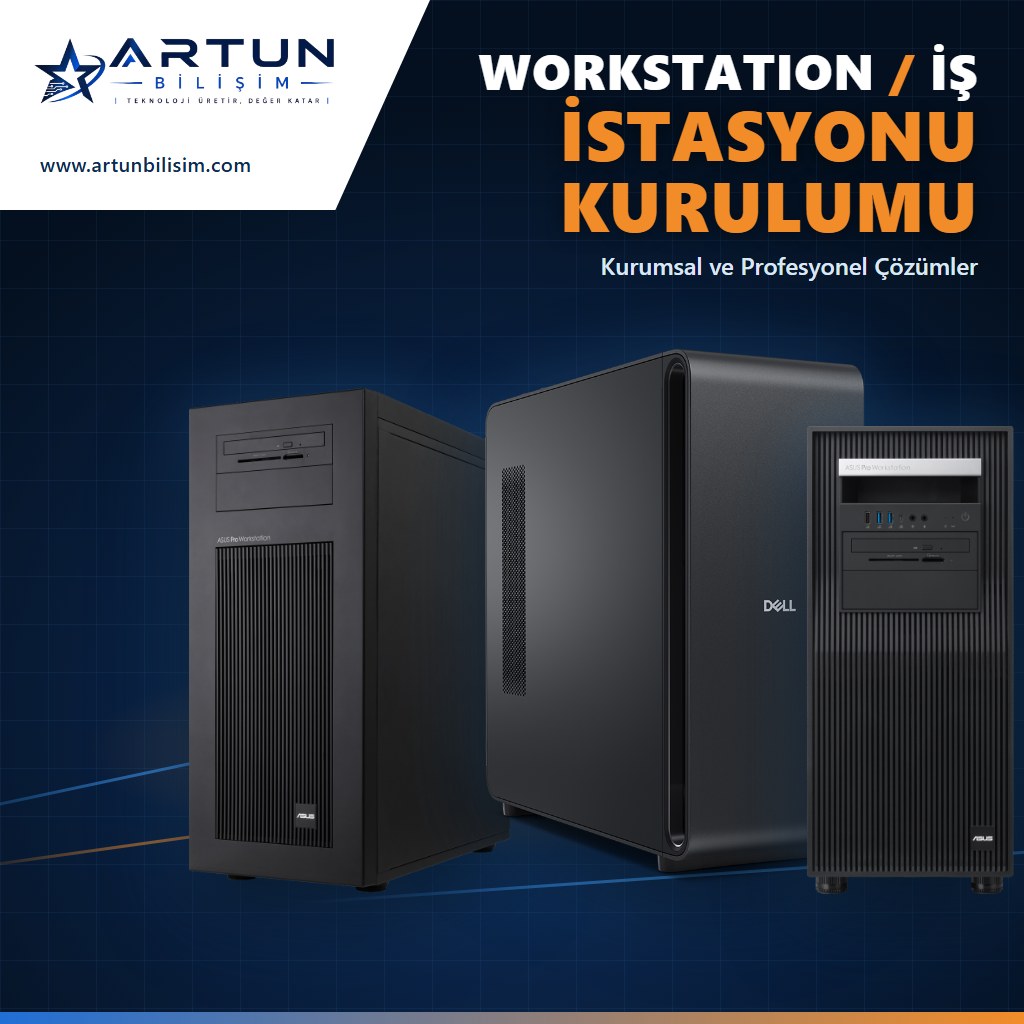
Processor, graphics card and memory are chosen for the software you use, with no unnecessary cost.
Delivered with drivers, professional software and display settings configured.
Network, server connection, backup and security settings are configured during installation.
Remote and on-site technical support is provided after installation.
A workstation is a professional computer designed for heavy workloads such as CAD/CAM, 3D modeling, rendering, video editing, simulation and AI. Unlike standard desktop computers, it runs reliably for long periods with server-class processors (Intel Xeon, AMD Threadripper PRO), error-correcting (ECC) memory, professional graphics cards (NVIDIA RTX PRO) and application certifications.
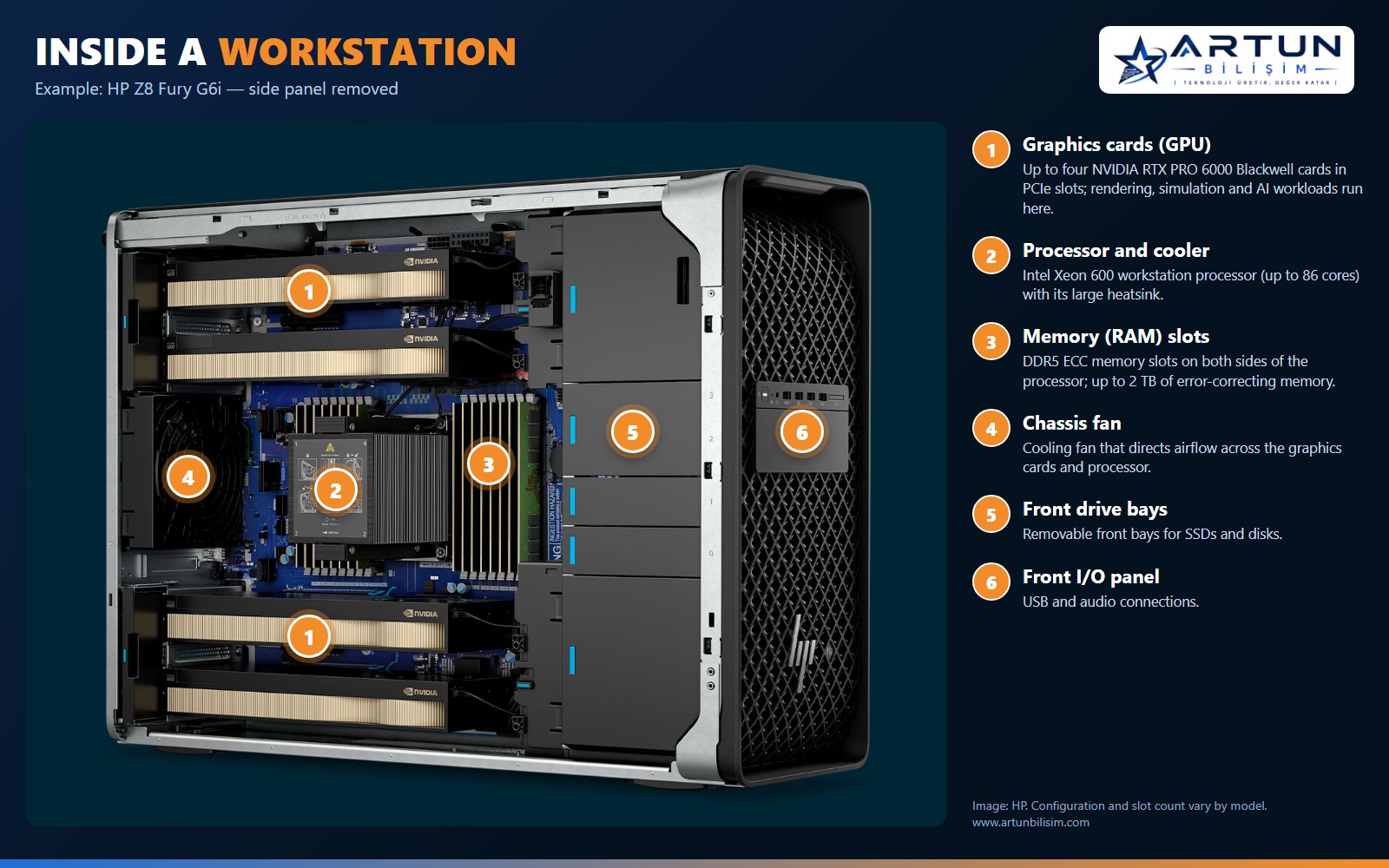
We determine the right processor, graphics card, memory and storage configuration for your software and workload, supply the desktop or mobile workstation and install it on site. We set up the operating system, drivers, professional software, network and server connections, backup and security, and deliver the device ready to use.
We install and support Dell Pro Precision, HP Z, Lenovo ThinkStation / ThinkPad P and ASUS ExpertCenter Pro workstations. You can review the latest models on our Workstations page.
We install, configure and commission the physical or virtual server your business needs, complete with a backup infrastructure.

Firewall installation, network segmentation, secure remote access and wireless network security.
Share the software you use and your workload, and we will recommend the right workstation configuration.