
What Is a Workstation? How It Differs From a Regular PC and How to Choose One
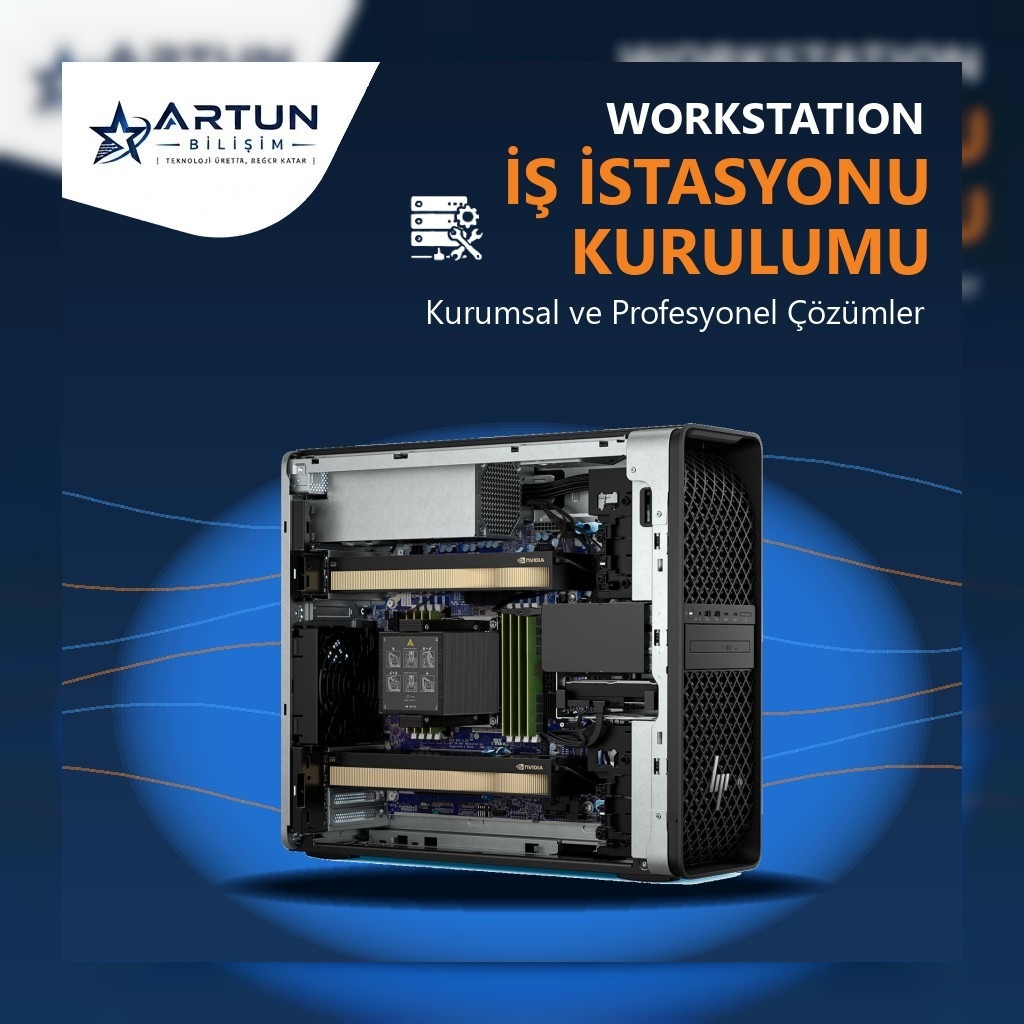
A workstation is a professional computer designed for demanding work such as engineering, architectural design, 3D modelling, rendering, video editing, data analysis and artificial intelligence. It may look like a desktop PC, but it comes with hardware designed to run reliably under heavy load for hours, and with certified drivers.
Workstation vs. regular computer
- Processor: Professional multi-core processors such as Intel Xeon or AMD Ryzen Threadripper PRO can be used.
- Graphics card: Professional graphics cards such as NVIDIA RTX PRO, with certified drivers for CAD and design software.
- Memory: High capacity and, on most models, ECC (error-correcting) memory support, which reduces the risk of data corruption in long calculations.
- Software certifications (ISV): Compatibility tested by vendors with software such as AutoCAD, SolidWorks and Revit.
- Expandability: Multiple graphics cards, many memory slots and NVMe drive slots, so it can be upgraded as your needs grow.
- Durability and support: Cooling and power supplies suitable for 24/7 operation, long warranties and on-site service options.
Who should use a workstation?
- Architecture and engineering offices (CAD, BIM, structural analysis),
- Design, animation and video production teams (3D, rendering, editing),
- Teams doing data analysis and AI model training,
- Organisations working on mapping, GIS and simulation.
Desktop or mobile workstation?
A desktop (tower) workstation offers the highest performance, the most room for expansion and the best cooling, which makes it ideal for teams working in the office. A mobile workstation (e.g. the Lenovo ThinkPad P series) gives engineers on construction sites, at client visits and in the field professional performance they can carry.
What to look for when choosing a workstation
1. The software you use
Start with what your software needs. Some applications benefit most from high clock speeds, some from many cores and some from a powerful graphics card.
2. Processor and core count
Modelling and drafting usually benefit from high single-core speed, while rendering, simulation and compiling benefit from many cores.
3. Graphics card and video memory
For large 3D scenes, rendering and AI work, the amount of graphics memory (VRAM) is decisive.
4. Memory (RAM)
For large projects and data sets, free memory slots for future upgrades matter as much as the amount of memory.
5. Storage
A fast NVMe SSD for the operating system and active projects, plus an extra drive for archives and backups, gives you both speed and safety.
6. Warranty and service
A workstation is part of your business continuity, so prefer models with on-site service and long warranty options.
Conclusion
The right workstation depends on your software, the size of your projects and your growth plans. At Artun Bilişim we select, install and configure Dell, HP, Lenovo and ASUS workstations, including software and network setup. Browse our workstation models, see our workstation setup service or request a quote for the right configuration.